Smart scanning
Detect page edges and correct perspective automatically, turning a quick photo into a clean scan.
LibreScan is a mobile scanner built for everyday documents. Core features stay free, files stay private, and clarity, organization, and security live in one simple flow.
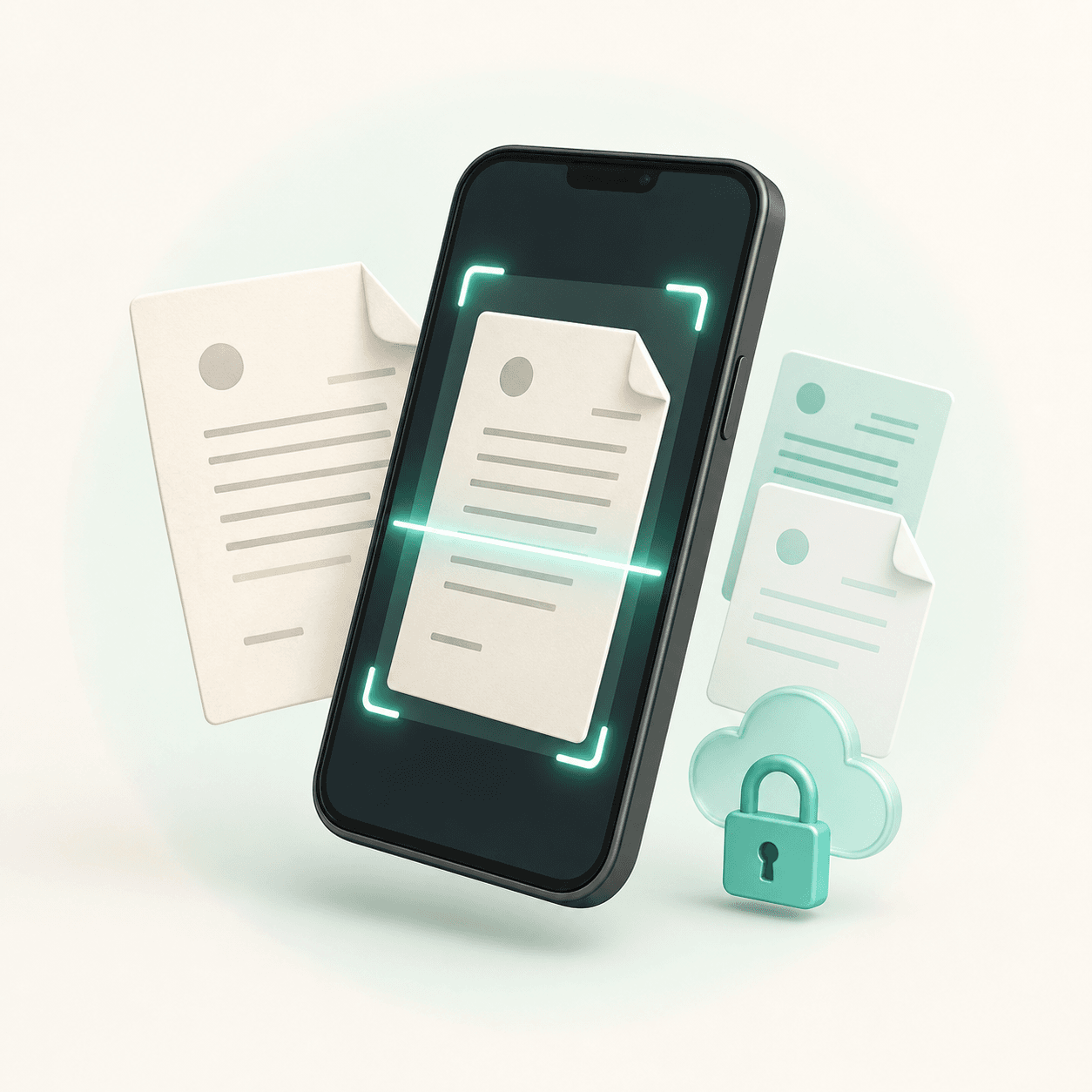
A scanner should not interrupt you
with ads, limits, or vague storage rules.
Core features / 01
From capture to export, every step is designed around how people actually handle documents on a phone.
Detect page edges and correct perspective automatically, turning a quick photo into a clean scan.
Reduce shadows, wrinkles, and low contrast while preserving fine text, stamps, and signatures.
Extract selectable text from images, cut down manual entry, and make documents easier to search.
Export as PDF or high-resolution images for archiving, printing, and everyday sharing.
Documents are isolated by account and require authentication—no public file URLs.
Sign in to keep documents and folders consistent across your phone and tablet.
Privacy by design / 02
From identity and transfer to storage, LibreScan is designed around one rule: only you should be able to access your documents. Files are never exposed through permanent public links.
Every document is tied to your account, with ownership verified on the server.
Uploads and downloads use time-limited authorization to reduce exposure risk.
Original files stay in private object storage while the database keeps only necessary metadata.
Workflow / 03
No tool overload—just the actions you need, in the order you expect.
Find document edges automatically
Fine-tune every corner quickly
Choose the right look for the content
Keep it private and export when needed
Build progress / 04
Authentication, data structure, and private file access have passed core validation.
We are refining the complete capture-to-save flow and the Flutter mobile experience.
Once the core scanning flow is stable, text recognition and more export options will follow.
FAQ / 05
More details will be added as LibreScan gets closer to its first public beta.
Yes. Core scanning, enhancement, organization, and export features are planned to stay free, with no scan-count limit. The product is still in development, and the final free feature set will be clearly stated before launch.
After you sign in, document files are stored in private cloud storage while the database keeps only necessary metadata. Every read requires account authorization, and no permanent public file links are created.
Your account isolates private documents, syncs folder structure, and helps restore data on a new device. Signed-out users cannot access another account’s documents.
Not yet. LibreScan is still in development. We will complete the core camera, image-processing, and document-management experience before opening the first beta.
LIBRESCAN · MOBILE DOCUMENT SCANNER